


JOB DETAILS — AT A GLANCE
| Detail | Info |
|---|---|
| Category | Work From Home Jobs |
| Location | United States (home-based) |
| Job Type | Full-time, part-time, and contract roles |
| Work Mode | Remote / work from home |
| Education Required | Varies by role |
| Experience Required | Varies by role |
| Skills Required | Computer fluency, self-organization, written communication, security awareness |
| Salary/Pay | Varies by role — check the official advert; no figure is stated here |
| Who Can Apply | US residents authorized to work in the United States |
| How to Apply | Apply through employer careers pages or reputable job boards |
Getting hired is only half the story. The people who thrive in computer jobs working from home are the ones who build a proper setup and a sustainable daily workflow. This guide is about that second half: the workstation, the routine, the security habits, and the communication rhythms that make remote computer work genuinely work.
Think of it as an operator’s manual for your home office. Whether you are starting your first remote role or fixing a setup that is not serving you, the sections below give you a practical, room-by-room and hour-by-hour playbook.
Table of Contents
- 1. Why Computer Jobs Working from Home Need a Proper Setup
- 2. The Core Elements of a Home Computer Workstation
- 3. Key Responsibilities in Your Daily Workflow
- 4. Skills That Make Remote Computer Work Easier
- 5. Building a Daily Routine That Works
- 6. Growing Your Career While Working from Home
- 7. How to Apply for Computer Jobs Working from Home
- 8. What to Avoid: Setup Mistakes and Scams
1. Why Computer Jobs Working from Home Need a Proper Setup
When your job is entirely computer-based and entirely home-based, your setup is your workplace. There is no office to compensate for a bad chair, a slow laptop, or a flaky connection. Every friction in your environment becomes friction in your work, repeated hundreds of times a day.
The good news is that a proper setup does not require a big budget. The highest-impact improvements, a decent chair, a monitor at the right height, stable internet, are modest investments that pay back daily in comfort and speed. Many employers contribute equipment or stipends; always ask what is provided before spending your own money.
There is a psychological dimension too. A dedicated, organized workspace signals “work mode” to your brain in a way the sofa never will. People with defined workspaces report better focus, cleaner boundaries between work and rest, and less of the blurry exhaustion that comes from working everywhere and nowhere.
Finally, setup is a professional signal. When you join video calls with clear audio, good lighting, and no chaos behind you, colleagues and managers read competence. In computer jobs working from home, where visibility is limited, these small signals carry real weight.
2. The Core Elements of a Home Computer Workstation
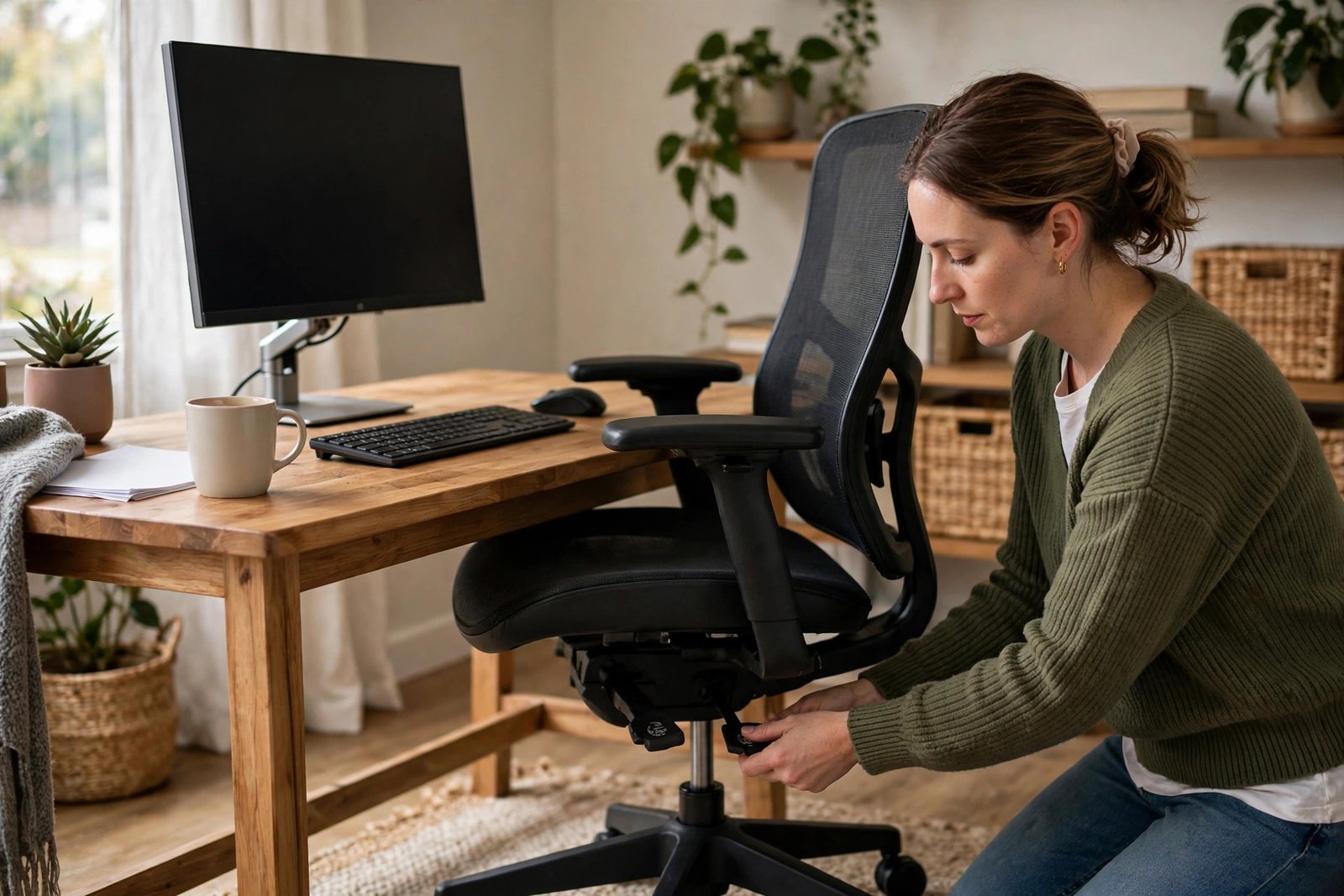
Start with the chair. You will sit in it for thousands of hours a year, so it matters more than any gadget. Look for adjustable height, lumbar support, and armrests. If a full ergonomic chair is out of reach, a firm cushion and a footrest improve even a basic chair dramatically.
Your screen setup comes next. The top of your monitor should sit at or slightly below eye level, about an arm’s length away. A second monitor is the single biggest productivity upgrade for computer-based work: reference material on one screen, active work on the other. If you use a laptop, a stand plus an external keyboard and mouse gives you the same ergonomic benefit.
Input devices deserve attention. A comfortable keyboard and a precise mouse or trackpad reduce strain over long days. Mechanical keyboards, vertical mice, and trackballs all have devoted fans; the right choice is the one that keeps your hands comfortable after eight hours.
Do not neglect lighting and sound. Position your desk to avoid screen glare, add a lamp for dark hours, and keep a decent headset with a microphone for calls. Good audio makes you easier to understand and less tiring to talk to, which matters enormously in remote teams.
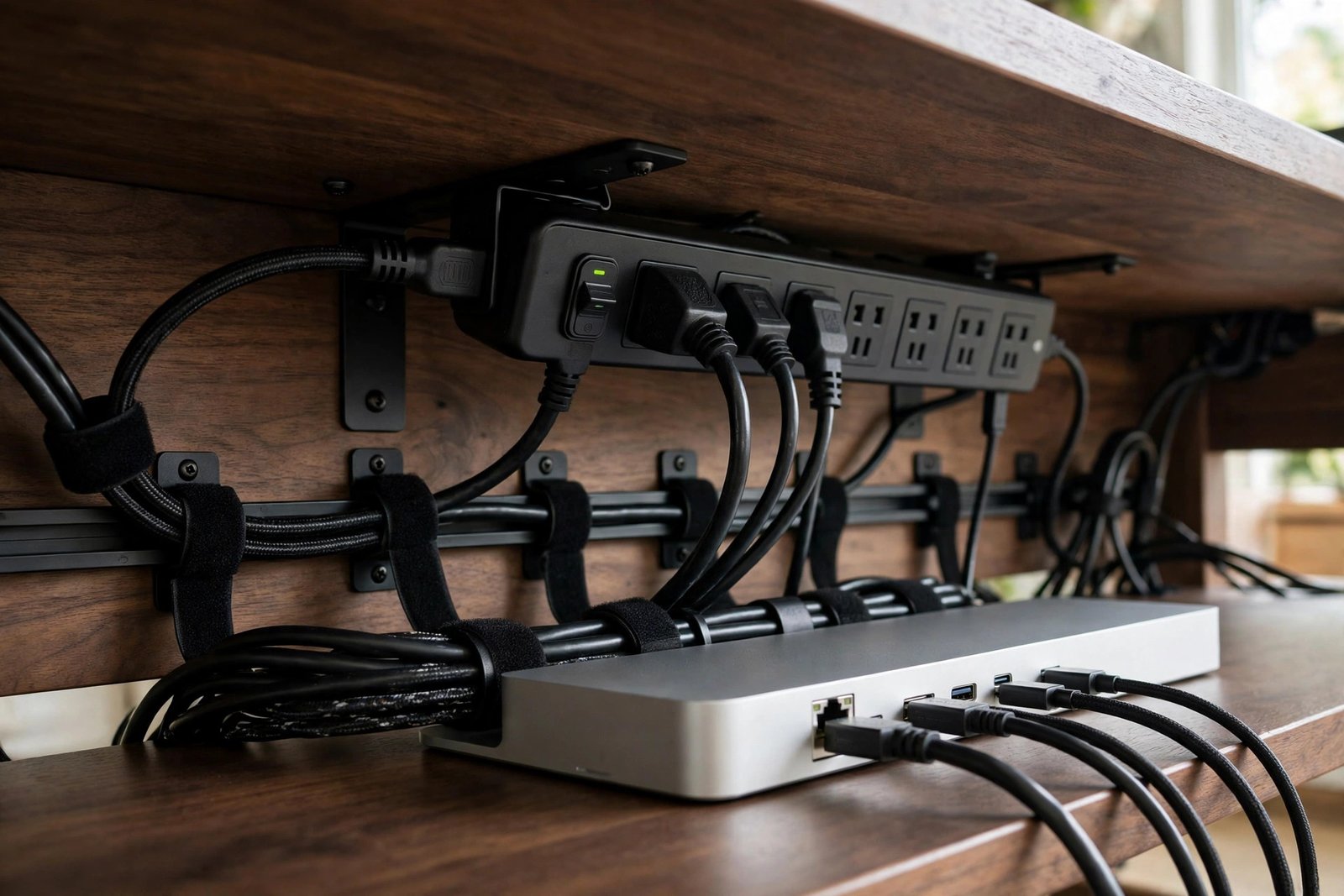
Power and connectivity complete the picture. A surge protector, tidy cable management, and a backup internet option such as a phone hotspot keep you working through minor disasters. Our remote equipment provided jobs guide explains what employers typically supply.
3. Key Responsibilities in Your Daily Workflow
A good workflow turns responsibilities into habits. The daily responsibilities of computer jobs working from home typically include:
- Starting work at a consistent time in a ready workspace
- Reviewing your task list and priorities before diving in
- Processing your core computer-based tasks to the required standard
- Communicating status updates to your team in writing
- Responding to messages within the team’s agreed timeframes
- Attending scheduled video meetings prepared and on time
- Documenting completed work where your role requires it
- Protecting company data following security policies
- Logging off cleanly: saving work, updating trackers, handing over open items
- Maintaining your equipment and reporting faults promptly
The shutdown routine deserves special emphasis. Remote workers who end the day deliberately, reviewing what is done, noting tomorrow’s first task, closing work applications, report less evening anxiety and faster morning starts. Five minutes of closure buys hours of peace.

Weekly rhythms matter too. A short Monday planning session and a Friday review keep work aligned and prevent the drift that creeps in when nobody watches. Many successful remote workers also do a midweek check against their goals.
4. Skills That Make Remote Computer Work Easier
Beyond your role’s technical requirements, certain skills make computer jobs working from home dramatically easier. Written communication tops the list. Remote teams run on text: chat messages, emails, tickets, documentation. Clear, concise writing is not a soft skill here; it is core infrastructure.
Self-organization is the second pillar. Without a manager physically nearby, you must prioritize tasks, manage your calendar, and track deadlines yourself. Simple systems beat elaborate ones: a single task list, reviewed daily, outperforms any complex methodology you will not maintain.
Asynchronous communication is a distinct skill worth developing. Learn to write messages that do not need immediate replies: include context, state what you need, and propose next steps. This respects colleagues’ focus time and keeps work moving across time zones.
Basic troubleshooting saves everyone time. Before escalating an IT issue, work through the obvious checks: restart, check connections, verify settings, search the knowledge base. Document what you tried. IT teams help people who help themselves first.
Finally, cultivate deliberate learning. Remote computer work rewards the curious: the employee who learns the new feature, automates the repetitive task, or masters the keyboard shortcuts becomes the team’s quiet expert. Small, consistent learning compounds fast.
5. Building a Daily Routine That Works
Design your day around your energy, not just your calendar. Most people have two to three peak focus hours; protect them for deep computer work and push meetings, email, and admin into lower-energy slots. You will produce more in six well-structured hours than in nine fragmented ones.
A strong start sets the tone. Many successful remote workers follow a similar opening: get ready as if commuting, review the day’s priorities, handle one quick win, then begin the first deep-work block. The ritual matters more than its contents; it tells your brain that work has begun.
Breaks are productive, not lazy. Step away from the screen regularly: stretch, look at distance, hydrate. The research is consistent that breaks improve afternoon performance. A proper lunch away from the desk is one of the simplest upgrades available.
Boundaries protect the routine. Define your working hours and communicate them. When the day ends, end it: close work apps, silence notifications, and physically leave the workspace if you can. The flexibility of computer jobs working from home is a benefit, not an obligation to be always available.
Review and adjust monthly. What worked in summer may fail in winter; what suits a quiet week may break during a crunch. Treat your routine as a living system and tune it without guilt.
6. Growing Your Career While Working from Home
Career growth from home is entirely possible, but it requires intentionality. In an office, opportunities surface through proximity; remotely, you must seek them. Tell your manager what you want to learn and where you want to go, then ask what would qualify you.
Make your work visible through output, not presence. Share results in team channels, write up what you learned from projects, and keep a personal achievement log. When promotion discussions happen, documented impact beats vague impressions.
Expand your skills systematically. Identify the next role you want, study its requirements, and close the gaps one by one: a certification, a new tool, a stretch assignment. Remote workers who grow visibly become obvious candidates for advancement.
Build relationships deliberately. Schedule virtual coffees, join employee groups, contribute to discussions. The network you build remotely is just as real as an office one; it simply needs scheduling instead of serendipity.
Consider how your setup supports growth. As your responsibilities expand, your tools may need to: a better machine, an upgraded connection, a quieter space for leading meetings. Invest in your workspace as your career grows; it is career infrastructure.
7. How to Apply for Computer Jobs Working from Home
- Audit your setup honestly and note any gaps before interviews.
- Build a resume that emphasizes independent work and measurable output.
- Prepare to discuss your home office: equipment, internet, and workspace.
- Search with workflow-friendly terms: “remote”, “distributed team”, “async”.
- Tailor applications to show self-management, not just technical skill.
- Practice video interviews in your actual workspace with your actual equipment.
- Ask employers about their remote culture: communication norms, core hours, equipment.
- Have work authorization documents ready for US employers.
The interview is partly an audition for remote work itself. Logging in early, with good audio and a tidy background, demonstrates exactly the professionalism the role needs. Mention your routine briefly; employers hiring for computer jobs working from home find it reassuring.
Ask smart questions: How does the team communicate day to day? What are the core collaboration hours? What equipment is provided? How is performance measured? The answers reveal whether the company’s remote setup is mature or improvised.
For role ideas to apply this playbook to, see work at home jobs using computer and what are some legit work from home jobs.
8. What to Avoid: Setup Mistakes and Scams
- Do not work permanently from a sofa or bed; your back and focus will suffer.
- Avoid buying expensive gear before confirming what the employer provides.
- Never pay upfront fees for “remote work starter kits” or “certified” job lists.
- Do not skip security basics: weak passwords and no backups invite disaster.
- Avoid back-to-back video meetings without breaks; fatigue compounds.
- Do not let work colonize your evenings; protect non-work hours deliberately.
- Be wary of employers with no clear communication norms or expectations.
- Never share personal credentials or install unknown software for a “job”.
The most common setup mistake is improvisation that becomes permanent: the laptop on the kitchen table “just for now” that is still there a year later, with the neck pain to prove it. Treat your setup as a proper project with a deadline, not an eternal work in progress.
On scams: legitimate employers hiring for computer jobs working from home interview properly, verify your eligibility, and never ask for money. Anyone rushing you, avoiding video, or requesting fees is not offering a job.

Frequently Asked Questions
What is the ideal setup for computer jobs working from home?
A comfortable chair, a monitor at eye level, an external keyboard and mouse, stable broadband, good lighting, and a quiet space with a door. A second monitor and a decent headset are the most valuable upgrades beyond the basics.
How fast should my internet be?
Enough for stable video calls and your role’s tools, with headroom. A wired Ethernet connection improves reliability significantly. Check specific adverts, as some roles state minimum requirements.
How do I stay productive without supervision?
Use a daily task list, protect focus blocks for deep work, take real breaks, and communicate progress in writing. Most remote workers find routine, not willpower, is what sustains productivity.
Is it lonely working from home on a computer all day?
It can be, which is why intentional connection matters: regular video contact with colleagues, virtual social events, and a life outside work. Many remote workers also use coworking spaces occasionally for variety.
How do I separate work and home life?
A dedicated workspace, defined hours, a shutdown ritual, and separate user accounts or devices for work and personal use. Physical and digital boundaries both help your brain switch modes.
What security steps should I take?
Use a password manager, enable multi-factor authentication, keep systems updated, use the employer’s VPN, and back up important work. Never share credentials, and report anything suspicious immediately.
Should I tell employers about my setup in interviews?
Briefly, yes. Mentioning your dedicated workspace, reliable internet, and comfort with remote tools reassures hiring managers. You do not need a tour; a sentence or two suffices.
Conclusion
Computer jobs working from home reward the prepared. The right chair, the right routine, and the right habits compound into years of comfortable, productive remote work, while neglect of the basics compounds into strain and burnout. The investment is modest; the return is daily.
Start with one improvement this week: fix your screen height, establish a shutdown ritual, or tidy your cables. Then keep going. A home office is never finished, but every upgrade makes the work itself easier. For role ideas to match your new setup, explore how to work from home jobs.